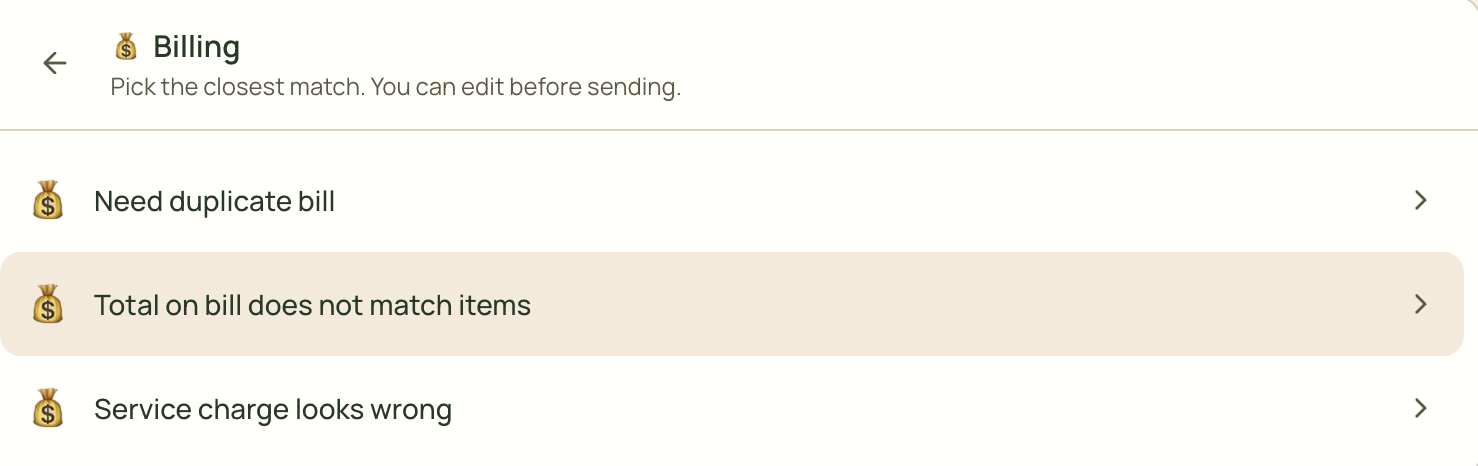
I’m looking how to…
🎫 Click to Learn how to Report a New Issue
Learn how to create a new issue, select the appropriate category, attach supporting files, and submit it to your service provider.
Click to Report an actual Issue on the support portal →
Make sure you are conveying all the details required and explained clearly, so that the support team knows exactly what the issue is for faster resolutions.
Example: ‘What is the issue’, ‘where is it happening’. ‘what it the error message’, etc.
🎫 Choose a default issue from an existing categories
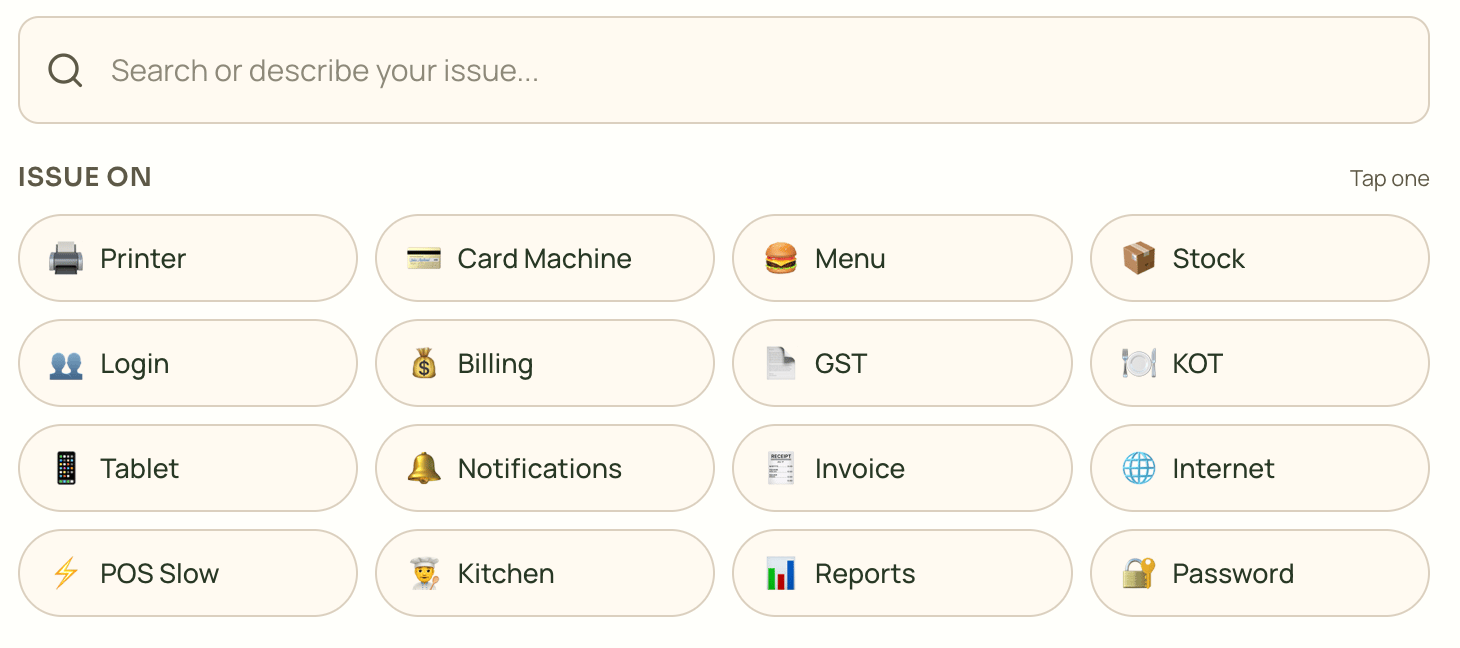
Just tap and choose the category, and select the issue if it is appropriate.